In short
Planning office CCTV in Singapore: which areas to cover, how many cameras a small office needs, PDPA notices and staff rules from the PDPC and MOM, and prices.
A small Singapore office usually needs three to six cameras: one at the main entrance, one at reception, one over the server or store room and one for each back door or loading area, plus open work areas if you need them. Cameras must stay out of toilets and other private areas, staff must be told why the CCTV is there, and visitors should see a notice. On our current price cards a four-camera wired system starts at S$639.
Key Takeaways
- Cover entrances first, then reception, cash, stock and IT rooms; add open-plan areas only when you have a clear reason.
- MOM says workplace cameras should be used only where there are safety and security concerns, “not at private areas such as restrooms”.
- The PDPA applies to office CCTV. An employer relying on the employment exception must tell staff the purpose, for example in the staff handbook.
- Decide how long you keep footage and who can view it, and protect the recorder; MOM expects safeguards on storage, use and retention.
- A wired IP system with a recorder suits most offices; AI detection adds alerts after hours and fast search.
Where should CCTV cameras go in an office?
Start from what you need to prove after an incident: who came in, when, and what they took or did. That points to a short list of places.
- Main entrance and lift lobby door. Mount the camera inside, facing the door, so it catches the faces of people walking in rather than the backs of heads.
- Reception and visitor waiting area. Useful for disputes with visitors and couriers.
- Server room, store room and cabinets holding laptops, stock or files.
- Cashier counter or safe, if you handle cash.
- Back doors, fire exits and loading bays, which are often where things leave the office.
- Open work areas and meeting rooms only where you have a security reason, and never pointed at a screen where staff type passwords.
Our older guide to the best places to install CCTV in an office has more layout examples, and how to choose CCTV for your office covers camera types.
Where must office CCTV not go?
In a 2023 parliamentary answer, the Ministry of Manpower said monitoring devices “should be deployed only at locations with safety and security concerns”, and not at private areas such as restrooms. In practice that also rules out changing rooms, nursing rooms and sick bays. Pantries and rest areas are private in spirit even when they are not locked, so think twice before covering them, and leave the microphone off there. Our article on recording audio on CCTV explains the PDPA view of sound.
How many cameras does an office need?
| Office | Typical cameras | What they cover |
|---|---|---|
| Small office, up to about 10 staff | 2 to 4 | Entrance, reception, store or server cabinet, back door |
| Medium office, 10 to 50 staff | 4 to 8 | Add open areas, corridors, meeting room doors, pantry entrance |
| Office with showroom or warehouse | 8 or more | Add the showroom floor, stock racks, loading bay and car park |
These are starting points from our installations, not rules. A floor plan, or a few photos taken from each door, lets us count the cameras for your layout.
What the PDPA requires for office CCTV
Footage of an identifiable person is personal data, so the Personal Data Protection Act applies when a business records staff or visitors. The PDPC’s Advisory Guidelines on the PDPA for Selected Topics set out how this works for CCTV:
- Staff: an employer can rely on the employment exception, which lets an organisation collect personal data reasonably needed to manage its employment relationship without consent, provided it tells employees the purpose of the CCTV, for example in the staff handbook (para 4.39). MOM’s 2023 answer says the same: employers must inform workers of the purpose, for example through the employee handbook or HR policies.
- Visitors: an office is not a public place, so for visitors an organisation can rely on the legitimate interests exception, a PDPA exception to consent where the organisation’s legitimate interests outweigh any adverse effect on the person. It must first do a risk assessment and tell people it is relying on it, for example in its data protection policy (para 4.37).
- Notices: the guidelines treat CCTV notices as good practice (para 4.34). Put one at the office entrance, where visitors see it before they walk in.
The PDPA does not set a fixed number of days to keep footage. Choose a retention period that fits your purpose, write it down and stick to it. MOM’s answer adds that organisations must put safeguards and controls on how recordings are stored and used, including how long they are kept. That means a password on the recorder and app, a short list of people who can view or export footage, and a locked place for the recorder. Our PDPA CCTV guide covers notices, retention and access requests in more detail. This is general information, not legal advice.
Wired or wireless CCTV for an office?
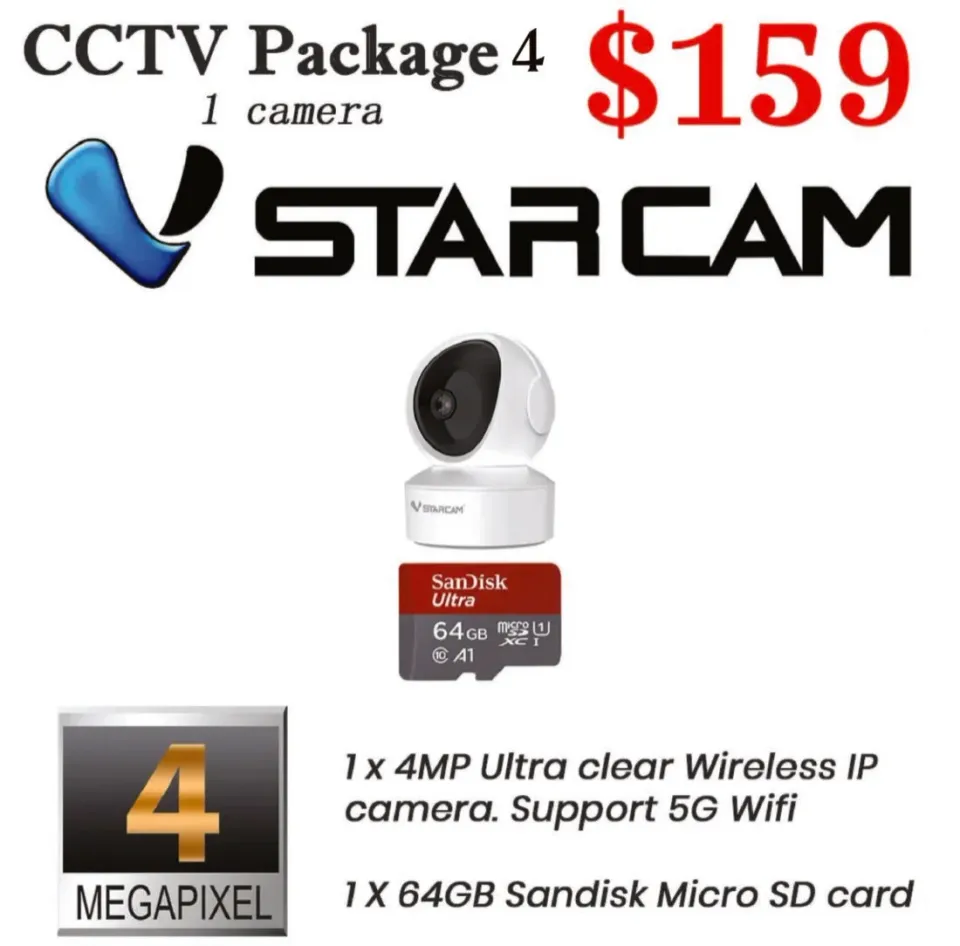
For most offices we recommend wired cameras with a recorder. Cables give a steady picture that does not drop when the office Wi-Fi is busy, the recorder keeps every camera’s footage on one hard disk in a locked cabinet, and you can play back all cameras on one timeline. Wireless cameras suit a single extra spot where cabling is hard, and each still needs a power point.
In a commercial building, check with the building management before drilling or running cables in common corridors or ceilings outside your unit. Our hard disk calculator shows how many days of recording a disk holds for your number of cameras.
Office CCTV packages and prices
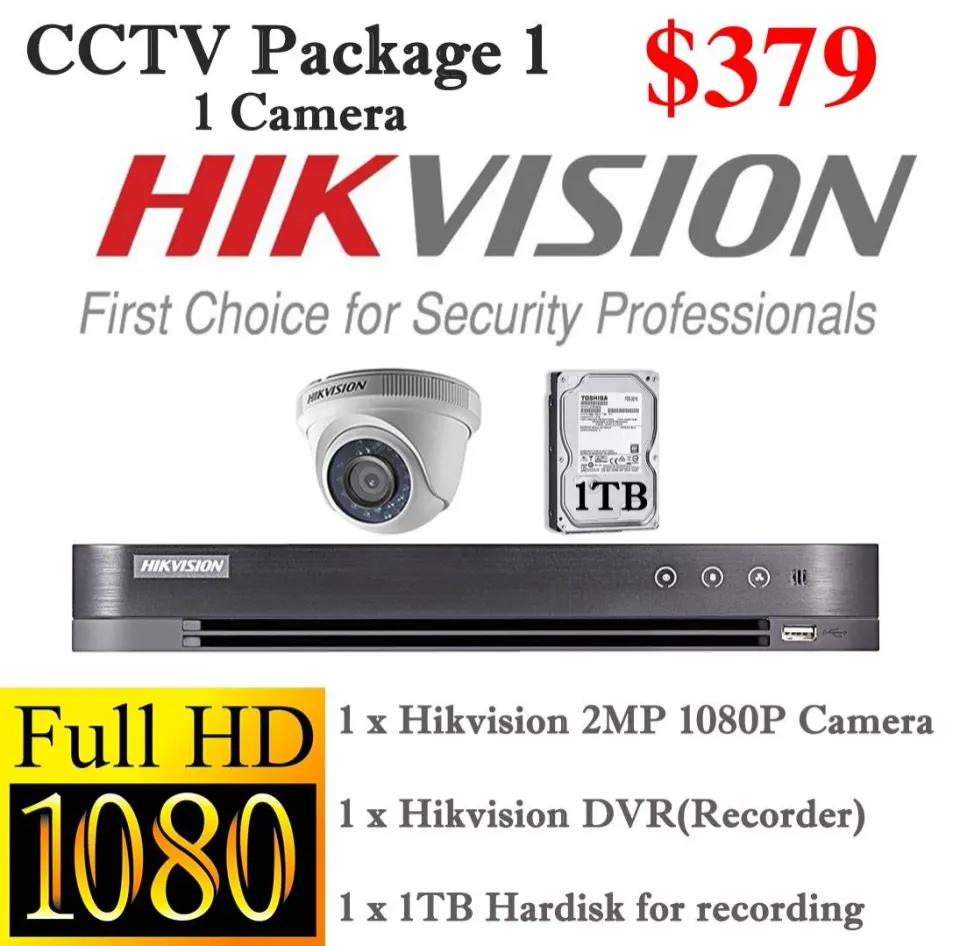
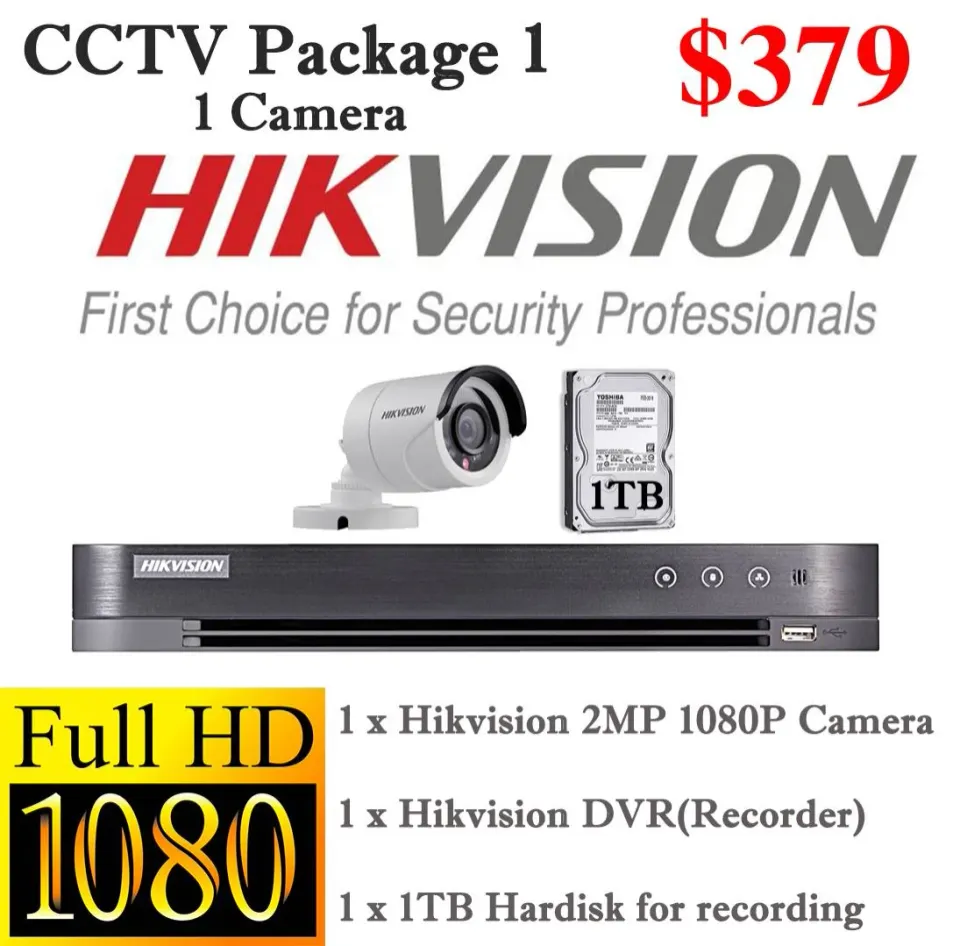
On our current price cards, with a 1TB hard disk included:
| Package | 2 cameras | 4 cameras | Suits |
|---|---|---|---|
| Package 1: Hikvision 1080P with DVR | S$459 | S$639 | Lowest-cost wired system for a small office |
| Package 2: Hikvision IP with NVR | S$629 | S$899 | IP system with one network cable per camera |
| Package 3: Uniview 4MP ColorHunter | S$689 | S$1,069 | Sharper 4MP video and colour footage after dark |
If you want alerts when someone enters after office hours, or to search footage by clothing colour or vehicle, see our AI CCTV packages; AI Pro starts from S$2,400. Many offices pair CCTV with door access, covered in our office access control checklist.
Plan your office CCTV
CCTVSG.NET has installed CCTV for Singapore offices, shops and homes since 2011. Send us your floor plan or photos of each door and we will recommend camera positions and a price. Request a quote or contact us.
Sources
- Ministry of Manpower, Oral Answer to PQ on Guidelines for CCTVs at Workplaces (18 September 2023): https://www.mom.gov.sg/newsroom/parliament-questions-and-replies/2023/0918-oral-answer-to-pq-on-guidelines-for-cctvs-at-workplaces
- PDPC, Advisory Guidelines on the PDPA for Selected Topics (revised 23 May 2024), paras 4.34, 4.37 and 4.39: https://www.pdpc.gov.sg/-/media/files/pdpc/pdf-files/advisory-guidelines/ag-on-selected-topics/advisory-guidelines-on-the-pdpa-for-selected-topics-%28revised-may-2024%29.pdf
Frequently asked questions
- Is it legal to install CCTV in an office in Singapore?
- Yes. The PDPA applies, so tell staff the purpose of the CCTV, for example in the staff handbook, put a notice at the entrance for visitors, and keep cameras out of private areas such as restrooms.
- Do employees need to consent to office CCTV?
- Under the PDPC's guidelines, an employer can rely on the employment exception instead of consent, as long as it tells employees the purpose of the CCTV, for example in the staff handbook or HR policies.
- How long should an office keep CCTV footage?
- The PDPA sets no fixed period. Pick a retention period that fits your purpose, document it, and limit who can view or export footage. Many recorders overwrite the oldest footage when the disk is full, so the disk size often sets the real period.
- Can I install CCTV in the office pantry?
- MOM says cameras should be placed only where there are safety and security concerns, not in private areas such as restrooms. A pantry is not a restroom, but staff expect privacy there, so only cover it with a clear reason and without audio.
Want this done for you?
We supply and install CCTV, door access, video intercom and Wi-Fi systems across Singapore, from Hikvision, Uniview, Vstarcam, TP-Link, Ruijie and EZVIZ. Send a photo or floor plan and we will recommend a setup and a fixed price.