
In short
A budget IP camera pick from 2019: Vstarcam C7824WIP Wi-Fi cameras with night vision, pan and tilt, two-way audio and phone viewing.
Vstarcam Budget IP Camera
When we are looking at the word best, there are a lot of ways around it. Being number 1, most cost-effective or the cheapest. We are not so bold to claim that we are number 1 for being the Best Budget IP Camera. But we dare to claim that what i’m about to recommend to you is what you are looking for.
Cost-Effective? We got it. Tight budget? We got you.
Vstarcam C7824WIP-Plus $45.90
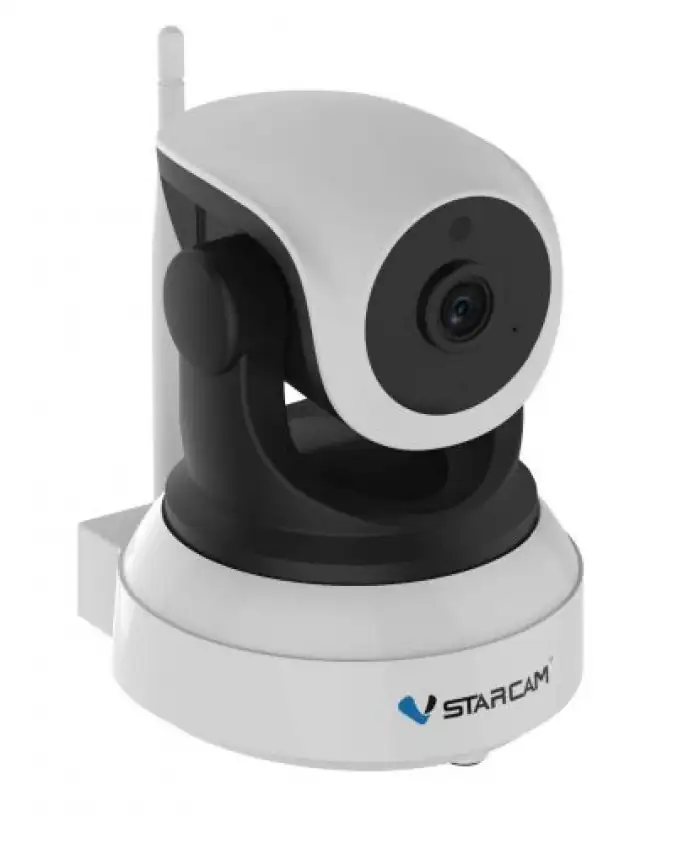
How is it cost-effective? The features i am about to list down would surprise you.
Starting with a resolution of 720P HD, better picture quality and further vision.
Supporting WiFi connection of 802.11 B/G/N, 10/100MB. Consist of a Built-In microphone and speaker which leads to Two Way Audio.
NightVision and Pan/Tilt feature.
Using ONVIF Protocol, enchanced product interoperability.
Supports Micro SDCard up to 128GB. Plug&Play feature, no wiring and easy to operate.
Monitor from your mobile phone anywhere and anytime.
Taking to the next level?
Vstarcam C7824WIP-Pro $59.90
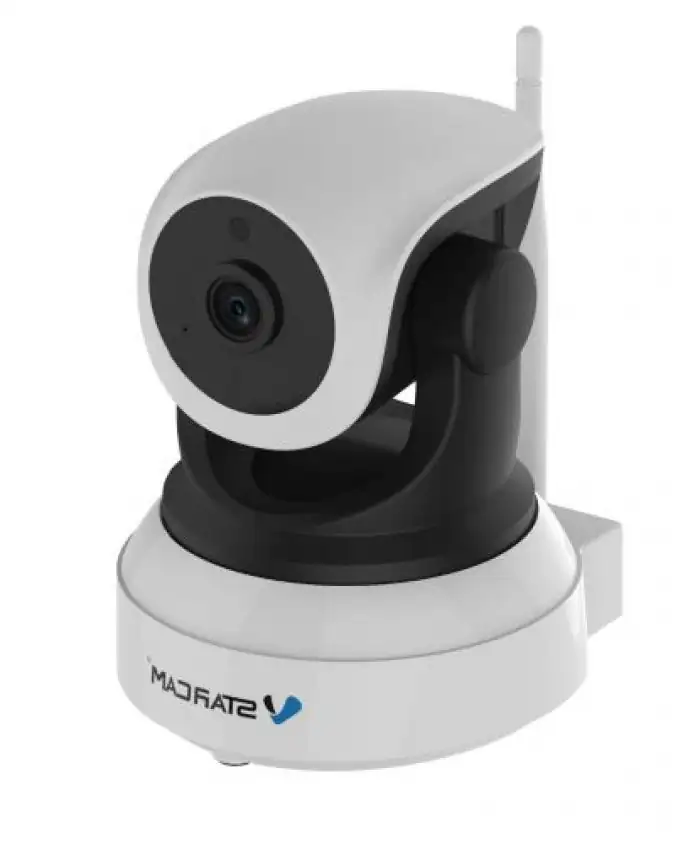
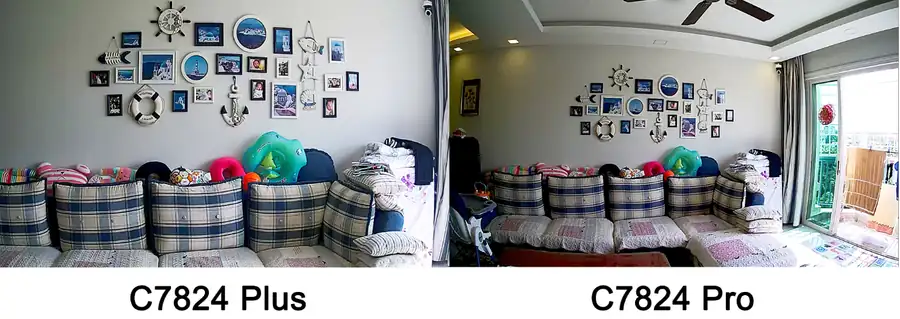
Enhancing it’s lens angle to Super Wide-Angle 120° for a better coverage and view of your necessary location.
Frequently Asked Questions.
How do I setup Vstarcam CCTV at mobile?
You have to register an account at Eye4 to be able to add devices to the application. Once you’re done registering, you click the + sign located at the top right of the application and scan the QR code below the CCTV device and configure your preferred password.
Where is the QR code and what is the default password?
QR code and password are labeled below the device.
I am able to stream the CCTV LIVE view but others can’t?
Do you have four devices streaming on the CCTV LIVE view or perhaps using the same account? It can only support up to four devices concurrently and have to be streamed on a different account.
If I am overseas, can I still stream CCTV LIVE view?
Yes, as long as your CCTV has power supply and an internet connection, you may view it anywhere
Is it possible for the CCTV to record only when motion detection is triggered?
Yes, It is possible, you have to configure under the TF settings to motion recording
Want this done for you?
We supply and install CCTV, door access, video intercom and Wi-Fi systems across Singapore, from Hikvision, Uniview, Vstarcam, TP-Link, Ruijie and EZVIZ. Send a photo or floor plan and we will recommend a setup and a fixed price.